

A lot of people waste money on GPUs by shopping for the biggest model name instead of the right fit. This gpu buying guide 2026 is built to help you avoid that mistake and choose a graphics card based on resolution, workload, power limits, and actual value.
The GPU market is no longer just about gaming. A card that looks great for 1440p esports may feel limited for AI tools, video editing, or heavy texture packs, while a creator-focused GPU can be overkill for someone who mostly plays competitive shooters. That is why the best buying decision in 2026 starts with one question: what do you actually need the card to do?
GPU buying guide 2026: start with your use case
If you begin with brand loyalty or benchmark charts alone, you can end up paying for performance you will never use. Start with your monitor, your games, your apps, and your power supply. Those four factors narrow the field faster than any product roundup.
For gaming, resolution matters more than most buyers expect. A solid 1080p card can still be the smartest option if you play multiplayer titles, want high frame rates, and do not care about maxed-out ray tracing. For 1440p, you need more headroom, especially in newer AAA games. For 4K, memory bandwidth, VRAM, and cooling all matter more because small weaknesses show up faster.
For creators, the question shifts. Video editors, 3D artists, and people using AI-assisted software need to think beyond average frame rate. VRAM capacity, encoder quality, software optimization, and driver reliability can matter as much as raw speed. A slightly slower card with more VRAM may age better for creative work than a faster gaming-first model with tighter memory limits.
The specs that actually matter
Not every spec on a retail page deserves equal attention. Some are central to real-world performance, and some are mostly there to make one model look more premium than another.
VRAM is one of the biggest buying factors
In 2026, VRAM is not a luxury spec. It directly affects how well a GPU handles modern games, high-resolution textures, AI workloads, and some creator apps. For 1080p gaming, 8GB is now the practical floor, not the comfort zone. At 1440p, 12GB is far more comfortable, and 16GB gives you more room for new releases and heavier settings. For 4K gaming or serious content creation, more VRAM can make a noticeable difference in longevity.
That does not mean the card with the most VRAM is automatically the best buy. Memory capacity has to be paired with enough GPU horsepower to use it well. Still, if you are choosing between two similarly priced cards, the one with a healthier VRAM setup often holds value longer.
Power efficiency matters more than it used to
Performance per watt has become a serious buying factor. A GPU that runs cooler and draws less power is easier to install in mainstream PCs, quieter under load, and often cheaper to operate over time. This matters even more for people upgrading prebuilt systems or working with compact cases.
Before you buy, check your power supply wattage, available connectors, and case clearance. Many upgrade problems are not about compatibility with the motherboard. They are about whether the card physically fits and whether the PSU can handle it safely.
Cooling and card size are not small details
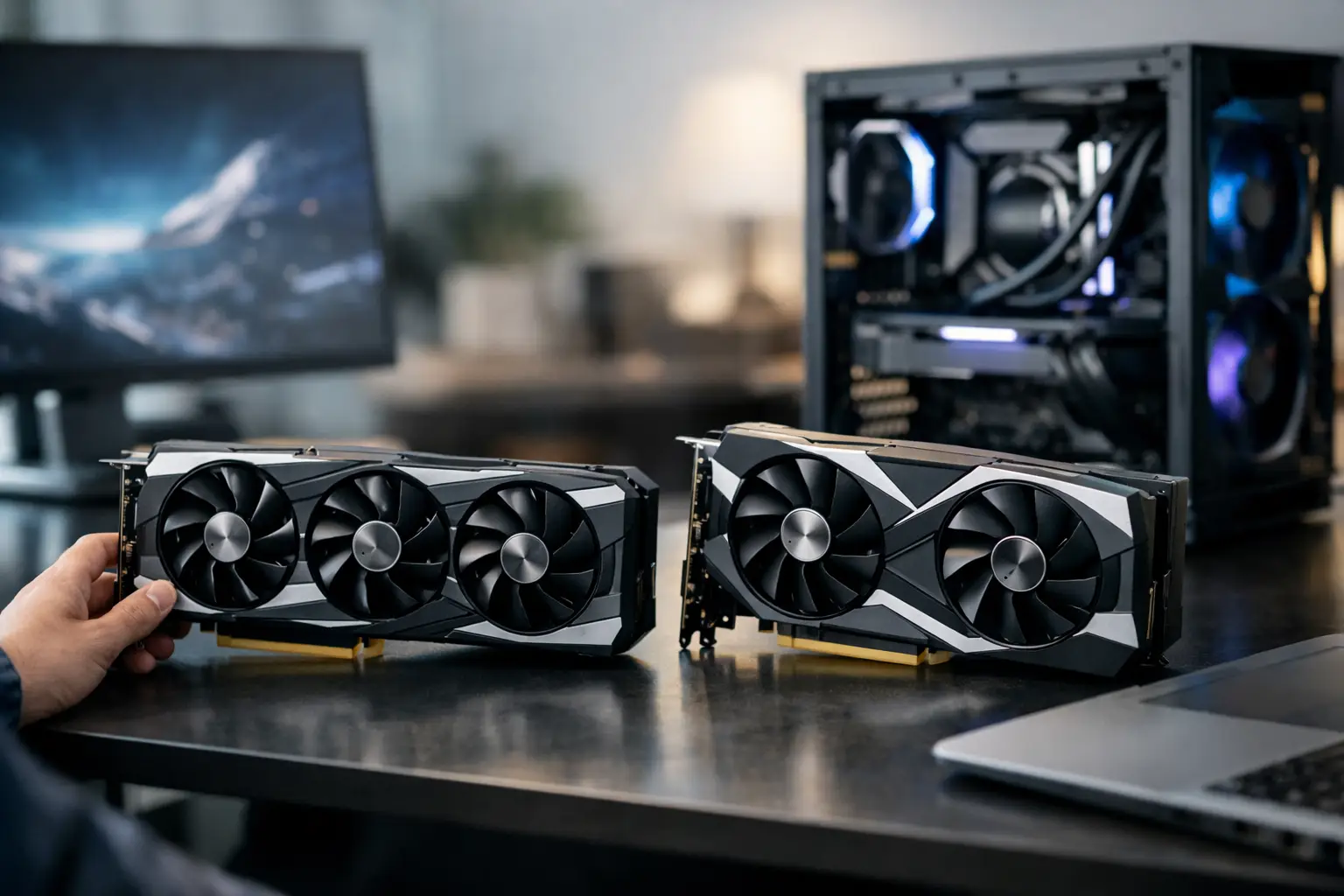
A triple-fan model may look better on paper, but it is not always the right choice. Larger coolers usually run quieter and maintain boost clocks better, but they also take up more space and can block other slots. If your case has limited airflow, even a powerful GPU can underperform due to heat.
If you care about acoustics, cooler design is worth paying attention to. Two cards using the same GPU chip can behave very differently in day-to-day use depending on the quality of the cooler and fan curve.
How to choose by budget, not hype
The easiest way to overspend is to shop by flagship marketing. Most buyers should think in tiers, not in absolute best-case performance.
Entry-level buyers
If you are building on a tighter budget, focus on strong 1080p performance, decent VRAM, and low power draw. This tier is ideal for esports, indie games, older AAA titles, and general PC acceleration. Do not chase premium features you will rarely use if it means sacrificing core performance.
Midrange buyers
This is where the best value usually lives. A good midrange GPU should handle 1440p well, offer enough VRAM for newer titles, and avoid extreme power demands. For most readers, this is the sweet spot in the gpu buying guide 2026 because it balances price, lifespan, and real-world versatility.
High-end buyers
If you want 4K gaming, heavier ray tracing, advanced creator workflows, or local AI experimentation, the high-end tier starts to make sense. But this is also where price-to-performance often gets worse. You usually pay a premium for the last 20 to 30 percent of performance.
That premium can still be worth it if your monitor, workflow, and budget support it. If not, a card one tier lower often feels smarter after the excitement of launch week fades.
Features worth paying for and features you can skip
Upscaling and frame generation are no longer side notes. They are part of how modern GPUs deliver playable settings at higher resolutions. If a card supports mature upscaling tech and it looks good in the games you play, that support has real value.
Ray tracing is more situational. If you play cinematic single-player games and care about visual quality, it can be worth prioritizing. If you mostly play fast multiplayer games, it matters much less. Paying extra for top-tier ray tracing performance only makes sense if you will actually use it.
Factory overclocks are usually low on the value list. They tend to deliver small gains while raising the price. A better cooler, more VRAM, or a stronger baseline GPU is generally the better place to spend your money.
New vs used in 2026
Buying used can still make sense, but only if you are careful. A secondhand GPU can offer strong value when the seller provides proof of condition, original purchase details, and clear photos. It is a less comfortable choice when the card may have seen long periods of heavy mining, poor cooling, or frequent overclocking.
If you buy used, look at fan condition, physical wear, temperatures under load, and whether the price discount is meaningful enough to justify the missing warranty. A used card that costs only a little less than a new one usually is not worth the risk.
For many buyers, open-box or manufacturer-refurbished options can be the better middle ground. You may save money while keeping some warranty protection.
Common mistakes this GPU buying guide 2026 can help you avoid
One common mistake is pairing a powerful GPU with an old CPU and expecting balanced performance. If your processor is too weak, especially at 1080p, the graphics card may never reach its potential. Another is ignoring the monitor. There is no reason to buy a 4K-class GPU for a basic 1080p 60Hz display unless you plan to upgrade soon.
Buyers also get trapped by launch pricing. Early pricing can stay inflated because of demand, limited stock, or marketing momentum. Unless you need a card immediately, waiting can improve your options. The best GPU is not always the newest one. Sometimes it is the model from the previous generation that drops into a better price bracket.
Another mistake is assuming every AIB version is basically the same. They are not. Build quality, noise, temperatures, and support can differ enough to affect the ownership experience.
What most buyers should do in 2026
If you are a typical gamer with a 1080p or 1440p setup, buy for value, not bragging rights. Prioritize enough VRAM, reasonable power draw, and a model with a good cooler. If you are a creator, put more weight on memory capacity, app support, and stability. If you are upgrading a prebuilt or smaller desktop, measure your space and check your PSU before looking at benchmarks.
At dtecheducate, the most useful rule is simple: buy the GPU that fits your system and your workload today, with just enough headroom for tomorrow. The card that looks less exciting on paper often turns out to be the one you are happiest with six months later.
A smart GPU purchase is not about owning the fastest thing on the shelf. It is about getting smooth performance, useful features, and a system that makes sense every time you turn it on.
