

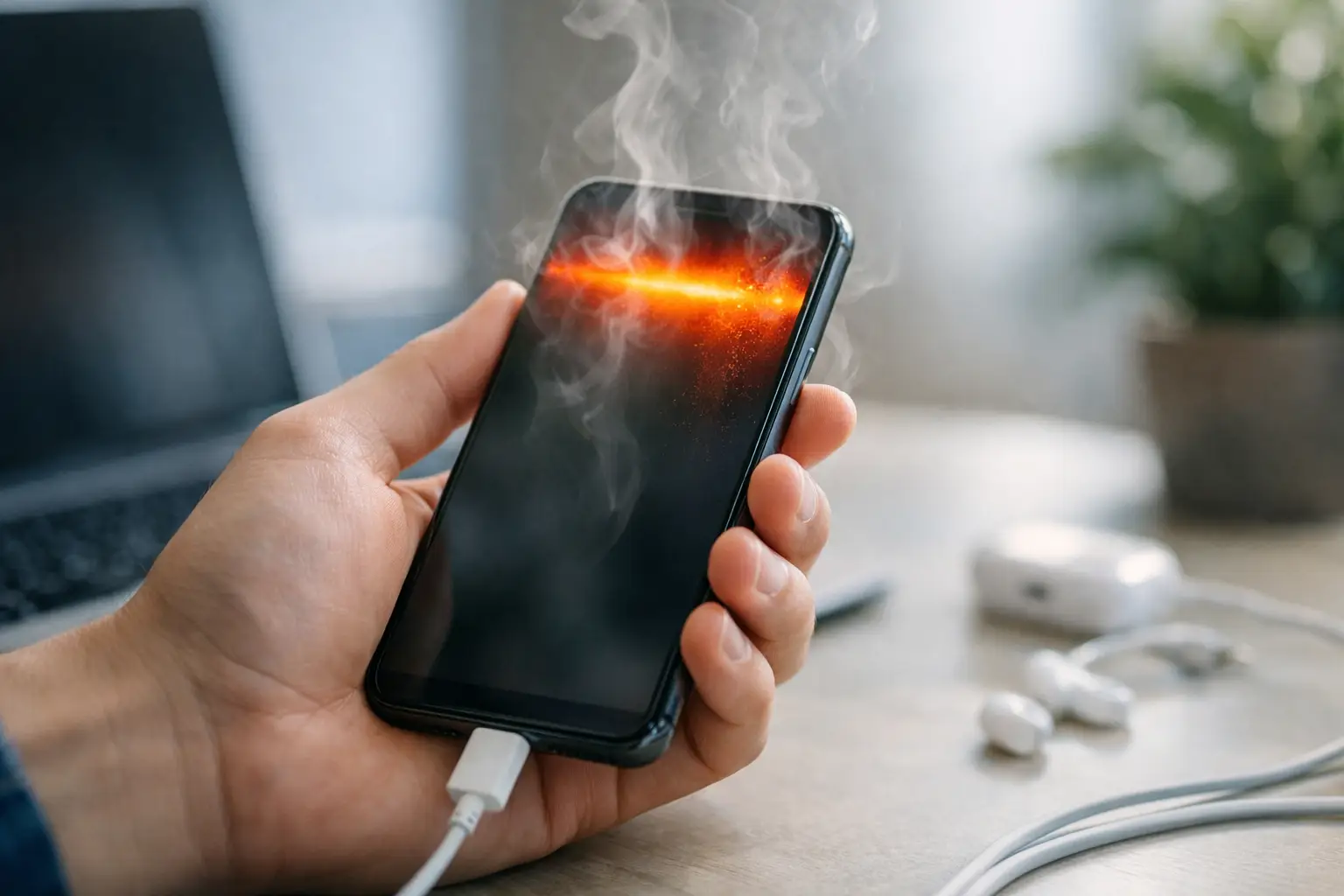
A phone that feels warm after a long video call is usually doing its job. A phone that becomes uncomfortable to hold, dims its screen, slows down, or stops charging needs attention. If you are asking, why is my phone overheating, the answer is often a combination of demanding tasks, charging, weak cellular signal, and the heat trapped around the device.
Modern phones are compact computers with powerful processors, batteries, cameras, and high-resolution displays packed into a small enclosure. They have limited room to release heat, so temperature can rise quickly when several components are working at once. Most phones will protect themselves by reducing performance, lowering screen brightness, pausing charging, or displaying a temperature warning.
Why Is My Phone Overheating During Normal Use?
Heat is a normal byproduct of using electricity. The question is whether the heat is temporary and connected to a clear activity, or frequent enough to affect performance and battery life.
Streaming 4K video, recording long videos, playing graphics-heavy games, editing photos, navigating with GPS, and using video calls can all push a phone’s processor and graphics hardware. Add maximum brightness, Bluetooth accessories, mobile data, and background app updates, and the phone has several heat sources running together.
A new phone can also run warmer during its first day or two. It may be restoring apps, syncing photos, downloading updates, indexing files, and learning usage patterns in the background. This should settle after setup is complete. If it does not, check for an app that is using an unusual amount of battery or mobile data.
Poor Signal Can Make a Phone Work Harder
One overlooked cause is weak cellular coverage. When your phone struggles to maintain a connection, it increases power to communicate with the nearest cell tower and repeatedly searches for a better signal. This can create noticeable heat even when the screen is off.
If overheating happens in a basement, rural area, crowded event venue, or while commuting through low-coverage zones, signal strength may be the reason. Connecting to stable Wi-Fi can reduce the load. When you do not need connectivity, Airplane Mode is a practical short-term test and can help the device cool down.
Charging Adds Heat, Especially With Fast or Wireless Charging
Charging naturally creates heat because energy is being transferred into the battery. Fast charging produces more heat than slower charging, while wireless charging can run warmer because power moves across a charging coil rather than a cable.
Warmth during charging is usually acceptable, but charging while gaming, streaming, or using navigation can push temperatures too high. Thick cases, pillows, blankets, and soft furniture make the problem worse by trapping heat around the phone and charger. Use a certified charger and cable designed for your model, and place the phone on a hard, open surface while it charges.
Common Reasons Phones Get Too Hot
The source is not always obvious. Start by considering what changed before the overheating began: a new app, a software update, a new charger, a damaged cable, or more time spent in a hot car.
- Direct heat exposure: A dashboard, sunny patio table, or parked car can raise a phone’s temperature faster than normal use alone. Dark-colored cases absorb additional heat in sunlight.
- High display demand: High brightness, an always-on display, and a fast refresh rate consume more power. Bright outdoor conditions can make this particularly noticeable.
- A misbehaving app: An app stuck syncing, using location services continuously, or failing to close a background process can keep the processor active.
- Outdated software: App bugs and operating system issues can sometimes cause excess power use. Updates often include performance and battery fixes.
- Battery wear or damage: Older batteries can become less efficient and generate more heat. A swollen battery, a lifting screen, or a burning chemical smell requires immediate action.
What to Do When Your Phone Is Overheating
First, stop the activity that is creating the load. Close games, camera apps, navigation, streaming services, and any app you do not need. If the phone is charging, unplug it. Remove the case if it is thick or insulated, then move the phone out of sunlight and onto a cool, dry surface.
Lower the screen brightness and turn off features that are not needed for the moment, such as mobile hotspot, Bluetooth, GPS, or 5G data. If the phone remains hot after a few minutes, restart it. A restart can stop a background process that is using more resources than it should.
Do not put an overheated phone in a refrigerator, freezer, or against an ice pack. Rapid cooling can cause condensation inside the device, potentially damaging components. It can also place unnecessary stress on the battery. Let the phone return to a normal room temperature gradually.
Avoid continuing to charge until the device has cooled. Your phone may pause charging on its own as a safety measure, and forcing more power into a hot battery is not worth the convenience of a few extra percentage points.
How to Find the Underlying Cause
Check battery usage in your phone’s settings after it has cooled down. Look for apps consuming a large share of power when you were not actively using them. A social media app, cloud backup service, game, or navigation tool at the top of the list may be working in the background.
Update both the operating system and your apps. If the issue began after installing a specific app, update it first. If no update is available, remove the app temporarily and see whether the temperature returns to normal. This is more useful than closing every app at random because it isolates the likely cause.
Also inspect your charging accessories. Replace frayed cables, bent connectors, and cheap or unverified chargers. A charger that repeatedly gets extremely hot, makes noise, smells unusual, or causes intermittent charging should not be used.
If overheating occurs only during gaming or camera recording, adjust the workload rather than assuming the phone is defective. Lower game graphics settings, reduce frame rate, take breaks between long recording sessions, and avoid using the phone in direct sun. Performance modes offer smoother gameplay, but they usually trade battery life and lower temperatures for speed.
When Overheating Needs Professional Help
A temperature warning that appears once during a summer drive or a long gaming session is different from a phone that overheats while idle indoors. Repeated overheating with no clear trigger may point to a failing battery, charging-port issue, damaged internal component, or software problem that needs deeper troubleshooting.
Stop using the phone and arrange service if you notice battery swelling, a screen separating from the frame, smoke, a chemical odor, repeated shutdowns, or extreme heat while the device is not in use. Do not press on a swollen battery or attempt to open the device yourself. Keep it away from flammable materials and follow the manufacturer’s support guidance for repair or safe disposal.
For less urgent but persistent heat, back up your data before seeking service. A technician may recommend battery diagnostics, a software reset, or hardware repair. If a factory reset is suggested, restore only essential apps at first so you can confirm whether an app was contributing to the problem.
Habits That Help Keep Phone Temperatures Down
A few small adjustments can prevent most heat-related interruptions. Charge in an open area, use trusted accessories, avoid leaving the phone in a hot vehicle, and remove a heavy case during demanding sessions. Keep software current, and review battery usage occasionally rather than waiting for a problem.
Phones are designed to manage heat, but they work best when they are not asked to charge, navigate, stream, and fight for a weak signal at the same time. Treat recurring heat as useful feedback about how the device is being used, and you can protect both daily performance and long-term battery health.
