

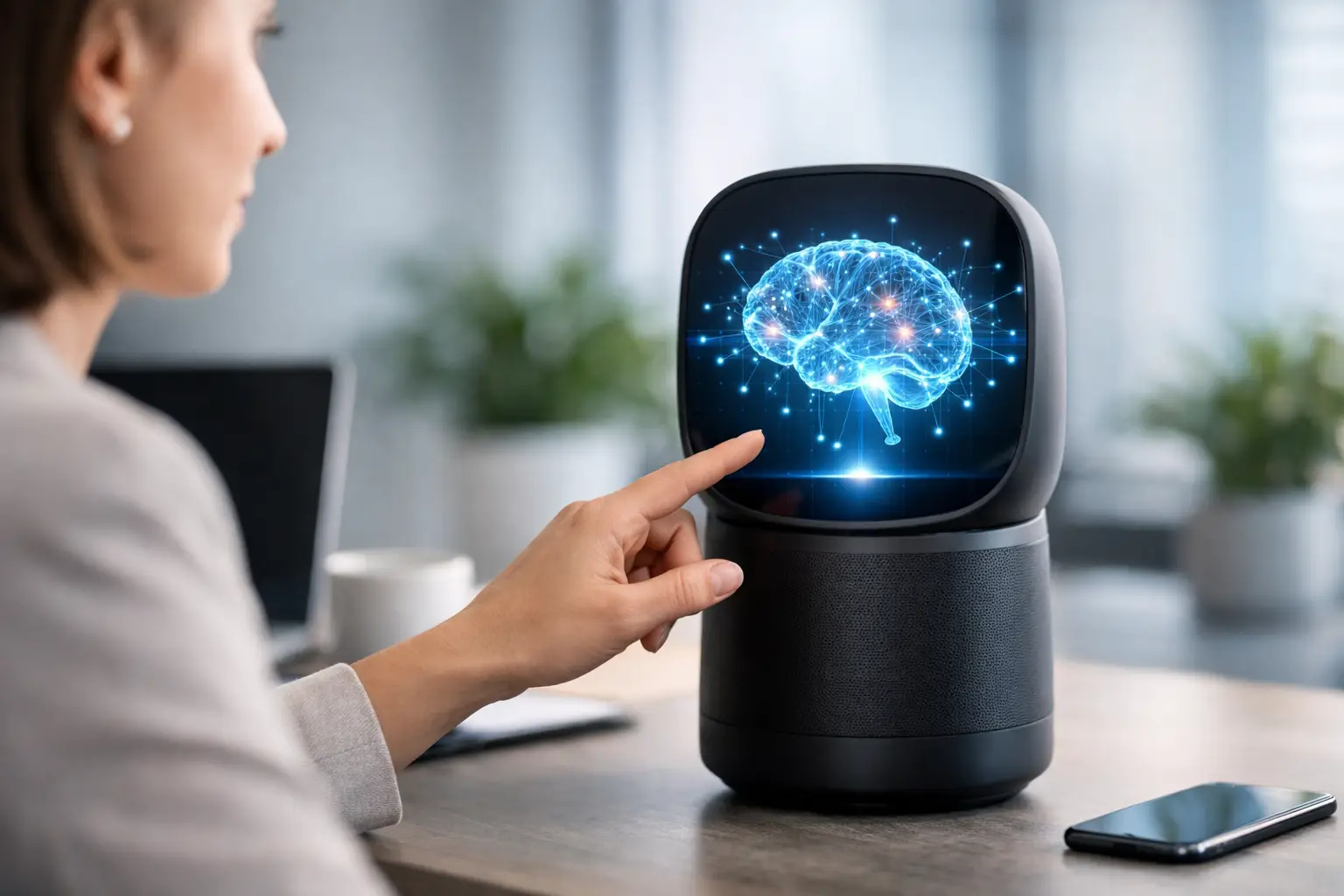
A useful AI assistant should do more than answer a question in a chat box. It should help you finish the task that prompted the question in the first place. That expectation is shaping the future of AI assistants, from the tools built into phones and PCs to the systems businesses use for customer support, scheduling, coding, and research.
The next generation will be less defined by clever replies and more by practical execution. Assistants are moving toward understanding context, working across apps, handling voice and images, and completing limited multi-step actions with user approval. The change will be gradual, and it will come with real trade-offs around privacy, accuracy, security, and control.
AI assistants are becoming task-focused agents
Most people know AI assistants as conversational tools. You type a prompt, receive an answer, then copy the useful part into an email, document, calendar, or spreadsheet. That model remains valuable, especially for writing drafts, summarizing long material, and explaining unfamiliar topics.
The more significant shift is toward assistants that can take action inside approved boundaries. Instead of asking for a restaurant recommendation, you may ask an assistant to find options that match your budget, check your calendar, create a reservation request, and add the confirmed plan to your schedule. At work, it may gather project updates from selected tools, identify deadlines, and prepare a status report for your review.
This does not mean every assistant will operate independently. In many situations, it should not. Booking travel, moving money, deleting files, publishing content, or changing account settings are high-impact actions. The most reliable design will use checkpoints: the assistant prepares the work, shows what it intends to do, and asks the user to approve the final step.
Context will matter more than a single prompt
A major limitation of current assistants is that they often know only what a user includes in the current chat. Future systems will be more helpful because they can use relevant context from connected services, device settings, previous conversations, and user preferences.
For example, an assistant could recognize that “send the usual update” refers to a weekly email format, a specific group of recipients, and a project folder. A personal assistant might know your preferred airline, accessibility needs, time zone, and calendar availability without requiring you to repeat those details each time.
That convenience creates a clear privacy question: what information is stored, where is it processed, and who can access it? Users should expect better controls over assistant memory, including options to inspect saved details, edit incorrect information, pause memory, and delete it entirely. Helpful context should be earned through transparency, not assumed through vague settings.
Personalization needs clear boundaries
There is a difference between an assistant remembering your preferred meeting length and an assistant quietly building a detailed profile from every file, message, and purchase. Technology companies will need to make that distinction understandable.
The better products will explain why a suggestion appeared and identify the source of information used to create it. For consumers and small businesses, this visibility will become a practical feature, not just a legal requirement. If an assistant cannot show its work, it is harder to trust it with important tasks.
Voice, vision, and screen awareness will expand use cases
Typing will remain central, but it will not be the only way people interact with assistants. Voice conversations are becoming more natural, while cameras and screen-sharing features allow AI to interpret what a user is looking at.
On a smartphone, this could mean pointing the camera at a router and asking which cable belongs in which port. On a PC, an assistant could help troubleshoot an error message visible on screen, explain a complicated settings page, or guide a user through software steps without forcing them to switch between multiple help articles.
For accessibility, these capabilities can be especially meaningful. An assistant that can describe an image, read text aloud, translate a conversation, or simplify a dense document may reduce everyday barriers. Accuracy still matters greatly, particularly in health, legal, financial, and safety-related situations. AI output can support understanding, but it should not replace qualified professional advice when the stakes are high.
More AI will run directly on devices
Cloud-based AI has made advanced assistants widely available, but sending every request to a remote server is not always ideal. It can create delays, use data, and raise concerns when the request involves private documents, voice recordings, or business information.
That is why on-device AI is becoming an important part of the future of AI assistants. Modern phones and laptops increasingly include specialized hardware designed to run certain AI tasks locally. Smaller models can summarize text, improve audio, organize photos, translate language, or suggest replies without sending the full request to the cloud.
Local processing will not replace cloud AI entirely. Larger models are still useful for complex reasoning, broad research, and demanding creative tasks. The likely outcome is a hybrid approach: the device handles private or quick tasks when possible, while cloud services are used for jobs that require more computing power. Users should be able to understand which mode is being used and choose accordingly.
Assistants will work across software, not just inside one app
The assistant that wins long-term may not be the one with the most impressive demo. It may be the one that works reliably with the tools people already use.
For a small business owner, that can mean connecting email, calendars, customer support platforms, accounting software, and website tools. For a student or home user, it may mean working across notes, cloud storage, browsers, messaging apps, and smart home devices. Integration turns an assistant from a standalone chatbot into a useful layer across daily technology.
However, deeper integration also increases the damage that can result from a mistake. An assistant with access to your inbox, files, and payment systems needs carefully limited permissions. Good security design includes granular access controls, activity logs, confirmation prompts for sensitive actions, and easy ways to disconnect services.
Businesses should avoid granting an AI tool broad access simply because it is convenient. Start with a narrow use case, such as summarizing support tickets or drafting internal meeting notes. Review results, define who can access the system, and expand only when the value is clear.
Reliability will become a competitive advantage
AI assistants can sound confident even when they are wrong. That remains one of the biggest obstacles to using them for more serious work. As assistants take on actions rather than just answers, reliability will matter even more than personality.
Expect more tools to cite the documents, emails, or records used for a response. They may also ask clarifying questions instead of guessing when an instruction is ambiguous. In business software, assistants will increasingly operate with company-approved knowledge bases rather than pulling from an unrestricted mix of sources.
Users also need to develop healthy habits. Treat AI-generated text as a draft, verify calculations and factual claims, and review anything sent to customers or published publicly. This is not a reason to avoid AI. It is the practical way to use it well, much like checking a spreadsheet formula or proofreading an important email.
What to look for when choosing an AI assistant
For most people, the best assistant will depend on the devices and services they already use. A phone-centered user may value local processing, voice controls, and photo features. A website owner may care more about writing support, analytics help, and integrations with content tools. Teams may prioritize data controls, admin settings, and collaboration features.
Before adopting any assistant, ask a few basic questions. Can you control its access to files and accounts? Does it show where answers come from? Can you export or delete stored data? Does it require confirmation before high-impact actions? And does it genuinely save time on a task you perform often?
The answer will not always be the most feature-packed option. A simpler assistant that handles one recurring job accurately can be more valuable than an advanced tool that creates extra review work.
The most useful assistants will not make people less capable. They will reduce repetitive friction, explain technology more clearly, and leave users in control of decisions that matter. As these tools become part of everyday devices and software, the smart approach is to use them deliberately: give them useful boundaries, verify important results, and let convenience grow at a pace you can trust.
