

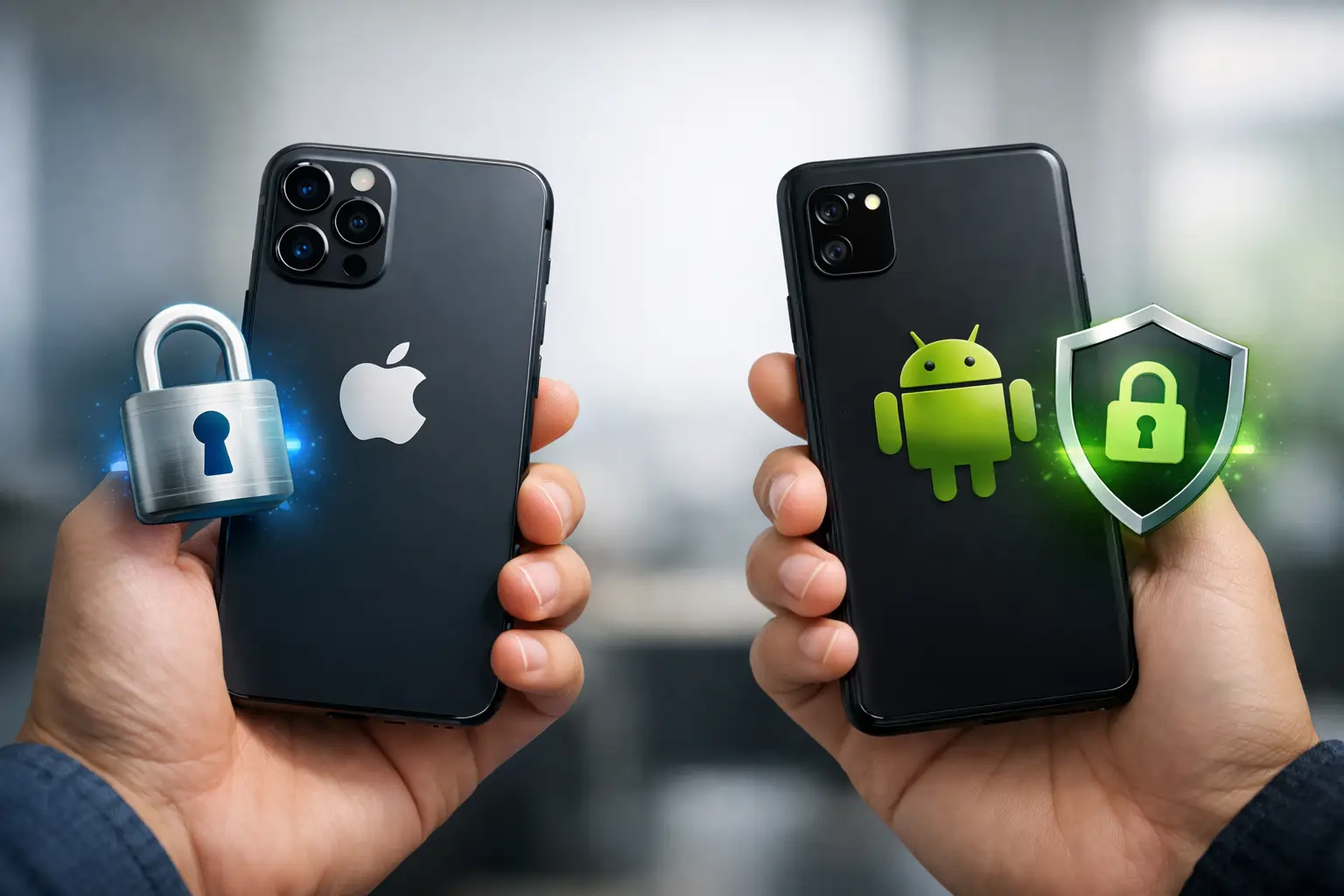
Pick up an iPhone and a Pixel, open the settings, and you can feel the difference in philosophy almost immediately. The real iOS vs Android privacy debate is not just about which phone collects less data. It is about who controls the system, how much choice you get, what the defaults are, and how much work you need to do to stay private.
For most people, the short answer is simple. iPhone generally offers stronger privacy by default. Android usually offers more flexibility, and in some setups, that flexibility can give you tighter control. But that only happens if you know what to change and you are willing to spend time on it.
iOS vs Android privacy at a glance
Apple and Google approach privacy from very different business models. Apple makes most of its money from hardware, subscriptions, and services. Google makes much of its money from advertising and data-driven services. That difference does not explain everything, but it does shape how each platform behaves.
On iOS, privacy settings are usually easier to find, app permissions are stricter by default, and Apple pushes hard on limiting third-party tracking. Features like App Tracking Transparency made that especially visible by forcing apps to ask before tracking users across apps and websites.
On Android, privacy has improved a lot over the last several years. Modern Android versions offer dashboard views of permissions, microphone and camera indicators, approximate location controls, and stronger background limits. Still, Android privacy varies more because the platform is spread across Google, phone makers, carriers, and app developers. A Samsung phone, a Pixel phone, and a budget Android phone can all feel different in practice.
Why iPhone often feels more private
The biggest advantage of iOS is consistency. Apple controls the hardware, the operating system, many core apps, and the app review process. That tighter control lets Apple enforce privacy rules across the ecosystem more effectively.
App permissions on iPhone tend to be clearer for average users. If an app wants your location, photos, microphone, Bluetooth access, or contacts, iOS usually asks at the moment the app needs it. Apple also gives users more refined choices in some cases, like sharing selected photos instead of an entire library or allowing approximate rather than precise location.
Another strength is tracking prevention. Apple has spent years limiting cross-app and cross-site tracking. Safari includes stronger anti-tracking protections by default than many users realize, and features like Mail Privacy Protection reduce common forms of invisible email tracking.
There is also the update factor. iPhones usually get software updates quickly and for many years. That matters for privacy because privacy and security are linked. A device that gets current patches stays protected from known flaws longer.
That said, iPhone is not a no-data device. Apple still collects some analytics and device information, and many popular apps on iOS still gather large amounts of user data within their own ecosystems. Using an iPhone does not automatically make Facebook, TikTok, or other data-hungry apps private.
Where Android privacy can be strong
Android is more complicated, but not automatically worse. In fact, for technically confident users, Android can be the more controllable platform.
Stock or near-stock Android, especially on Google Pixel devices, has become much better about privacy. The Privacy Dashboard gives a simple view of which apps accessed sensitive permissions. Android also lets users revoke permissions, limit notifications, pause app activity, and control background behavior more directly than before.
Android also benefits from choice. You can change your default browser, messaging app, keyboard, launcher, and many system-level behaviors. That freedom can reduce dependence on any one company if you are deliberate about the apps and services you use.
For advanced users, Android opens doors that iOS generally does not. You can install privacy-focused browsers, alternative app stores, DNS-based filtering, stronger firewall tools, and in some cases even entirely different Android-based operating systems. That is not realistic for everyone, but it matters in the broader iOS vs Android privacy conversation. Android can be molded in ways iOS cannot.
The trade-off is that this flexibility puts more responsibility on the user. If you leave the defaults alone, sign in deeply to Google services, and install apps from questionable sources, Android can expose more of your data than an iPhone setup would.
The biggest privacy difference is defaults
For everyday users, defaults matter more than potential. Most people are not going to swap out system services, audit every permission, or compare app trackers before installing software. They use the phone as it comes.
That is where Apple has the edge. iOS tends to ask for more permission up front, restrict more behavior automatically, and make privacy choices easier to understand. You do not need to be an enthusiast to benefit from those guardrails.
Android is improving, but it still depends more on which device you buy and how carefully you configure it. A Pixel running the latest Android with conservative settings can be very privacy-friendly. A cheap Android phone with delayed updates, preinstalled apps, and aggressive vendor telemetry may not be.
Google vs Apple data collection
This is where the conversation gets more nuanced. Apple markets privacy heavily, and some of that marketing is justified. But privacy is not the same as zero data collection.
Apple still collects data tied to its ecosystem, including diagnostics, usage patterns in some services, and information needed to operate features like Find My, Siri, Maps, and the App Store. Apple’s argument is usually that it minimizes personal identification where possible and processes more data on-device.
Google, meanwhile, collects data across Search, Maps, Gmail, YouTube, Android, Chrome, and ad systems. If you use many Google services while signed in, your activity can become part of a much larger profile. Even when Android itself offers decent privacy controls, the surrounding Google ecosystem often changes the equation.
So if your question is which company is structurally more aligned with minimizing data collection, Apple usually comes out ahead. If your question is whether either ecosystem is fully private out of the box, the answer is no.
App stores, sideloading, and risk
One area where privacy and security overlap sharply is app installation. Apple’s App Store is more restrictive. That can frustrate users and developers, but it also reduces the chance of installing malicious or low-quality apps through casual browsing.
Android allows more freedom, including sideloading apps outside the Play Store. That can be useful, especially for open-source or niche tools, but it also increases user responsibility. Installing apps from unknown sources makes it easier to run into spyware, fake utilities, or apps that request excessive permissions.
This does not mean Android is unsafe. It means Android gives users more rope. Whether that is a benefit or a problem depends on how you use it.
Privacy for regular users vs power users
If you want the simplest answer for a family member who just wants a phone that shares less and asks before apps track them, iPhone is usually the better recommendation. It is easier to keep private enough without much effort.
If you are a power user who wants granular control, dislikes closed ecosystems, and is willing to choose privacy-focused apps and settings carefully, Android can be excellent. In some custom setups, it can even surpass iPhone in practical privacy. But that is a niche case, not the average experience.
That distinction matters because a lot of online debates mix up theoretical privacy with real-world privacy. The average person benefits more from strong defaults than from advanced options they will never use.
How to improve privacy on either platform
No matter which phone you choose, your habits matter. Review app permissions regularly. Turn off precise location unless an app truly needs it. Limit ad tracking where possible. Use a browser that blocks trackers well. Remove apps you do not use. Keep your phone updated. Be selective about cloud backups, photo syncing, and microphone access.
It also helps to separate platform privacy from app privacy. You can buy an iPhone and still give away a huge amount of data through social media, shopping apps, and account sign-ins. You can use Android and protect yourself well if you are disciplined with permissions and app choices.
For many readers, the best move is not switching platforms. It is spending ten minutes checking what your current phone already allows.
So which is better?
If your priority is the strongest privacy with the least effort, iOS wins. If your priority is maximum control and the ability to customize your privacy setup deeply, Android has a case.
That makes the iOS vs Android privacy question less about a single winner and more about your tolerance for trade-offs. Apple gives you a tighter, more opinionated system with stronger default protections. Android gives you a broader toolkit, but expects more from you.
A good privacy choice is the one you will actually maintain. The better phone is not just the one with the better policy page. It is the one whose settings, apps, and update path fit how you really use technology every day.
