

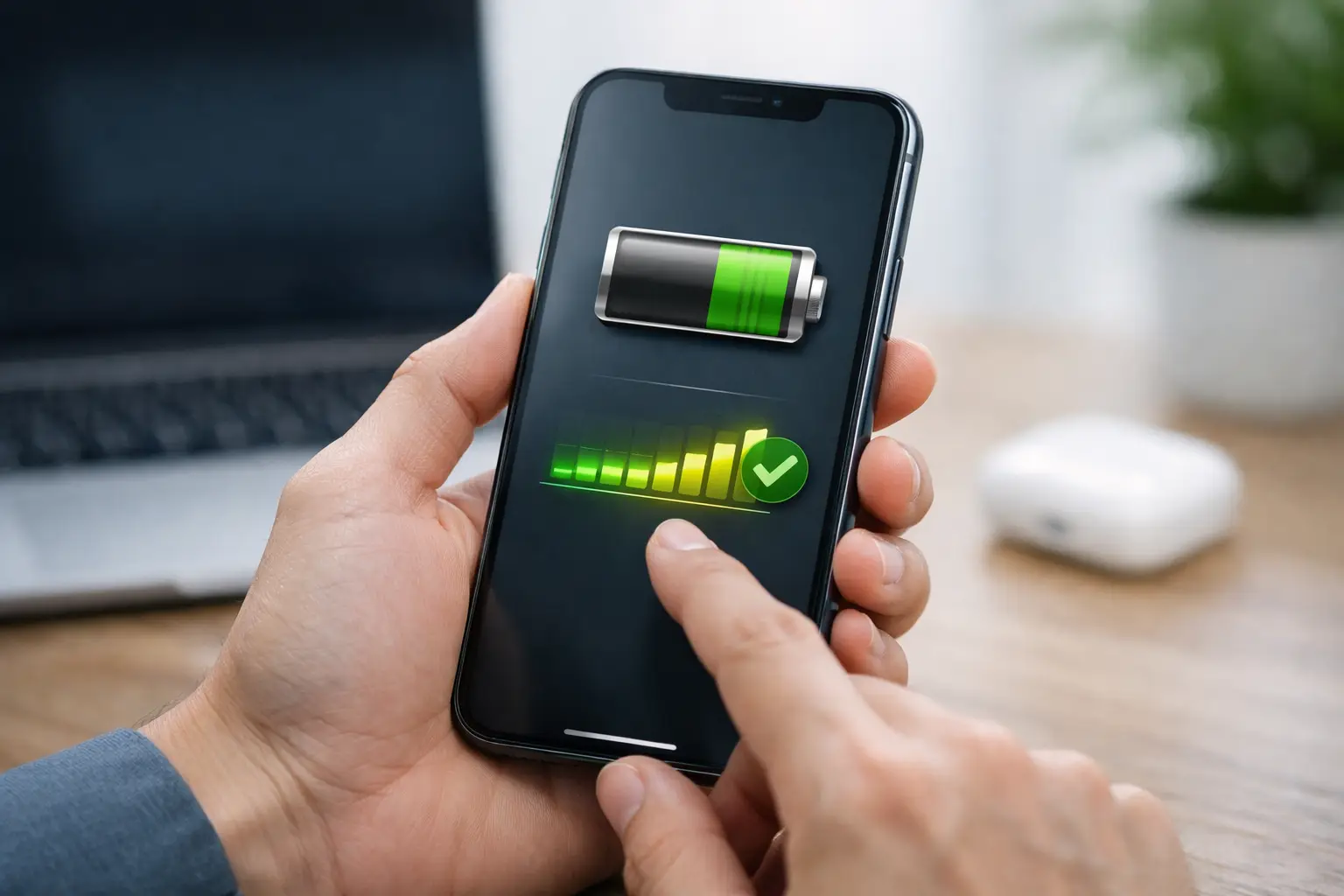
If your iPhone suddenly seems to drop from 40% to 15%, runs warmer than usual, or needs a charge before dinner, the battery is usually the first place to look. Knowing how to check iPhone battery health gives you a quick way to tell whether the problem is normal aging, heavy usage, or something worth fixing.
For most people, Apple makes this fairly easy. The battery health screen is built into iOS, and it shows two pieces of information that matter most: maximum capacity and whether the battery can still deliver peak performance. Once you know how to read those numbers, it becomes much easier to decide whether you just need a charging habit adjustment or a battery replacement.
How to check iPhone battery health in Settings
The simplest method is built right into your iPhone. Open the Settings app, tap Battery, then tap Battery Health & Charging. On some newer versions of iOS, the wording may look slightly different, but the path is still very similar.
Inside that section, you will usually see Maximum Capacity and a note about Peak Performance Capability. Maximum Capacity compares your current battery to when it was new. So if it says 100%, the battery is still performing like a new one. If it says 87%, your battery can currently hold about 87% of the charge it could hold when it first left the factory.
That number matters because lithium-ion batteries wear down over time. This is normal. Every charge cycle causes a small amount of chemical aging, and after enough cycles, the phone does not last as long between charges.
Peak Performance Capability tells you whether the battery can still deliver power normally during demanding tasks. If your iPhone has experienced unexpected shutdowns because the battery could not keep up, iOS may apply performance management. In practical terms, that can mean slower performance to prevent more shutdowns.
What battery health percentage is considered good?
This is where people often overreact to a number that is still completely usable. An iPhone battery does not become bad the moment it drops below 100%. In fact, many phones work perfectly well for a long time in the low 90s and even high 80s.
As a general guide, 90% to 100% is in very good shape. Between 85% and 89%, you may notice shorter battery life, but many users still find performance acceptable. Once you get to 80% or lower, battery aging becomes much more noticeable, and replacement starts to make a lot more sense.
Apple has long treated 80% as a meaningful threshold because below that point, battery life and performance issues tend to become more common. That does not mean every iPhone at 79% is unusable. It means the trade-off shifts. You may be charging more often, seeing dips under load, or dealing with slowdowns that make a replacement worth considering.
How to tell if your iPhone battery is actually a problem
Battery health is useful, but it is not the whole story. A phone at 88% battery health might still feel fine for light users, while a heavy user shooting video, gaming, and using 5G all day may find that same battery frustrating.
Pay attention to patterns. If your iPhone loses charge unusually fast while idle, shuts down before reaching 0%, gets hot during basic tasks, or feels much slower than it used to, the battery may be affecting daily use. On the other hand, if the battery health number has dropped a bit but the phone still gets you through the day, there may be nothing urgent to fix.
Software behavior can also mimic battery trouble. A buggy iOS version, background app activity, poor signal strength, or aging apps can increase power drain. That is why battery health should be part of the diagnosis, not the only thing you check.
What Maximum Capacity really means
Maximum Capacity is the easiest number to see, but it is often misunderstood. It does not measure your battery’s condition in a minute-by-minute way, and it is not a live score that changes with every charge.
Instead, it is an estimate based on battery chemistry and usage history. Apple calculates it using data gathered over time. So if your iPhone says 84%, that reflects long-term wear, not just a bad day or a recent heavy workload.
It is also worth knowing that the number may stay the same for weeks and then drop by a point. That is normal. Battery degradation is gradual, but the reported percentage does not always change in a smooth daily pattern.
Peak Performance Capability explained
This section matters more than many people realize. If your battery has aged enough that it cannot provide enough power during demanding moments, your iPhone may have had an unexpected shutdown. When that happens, iOS can activate performance management to reduce strain.
If the Battery Health screen says your battery is currently supporting normal peak performance, that is a good sign. If it mentions performance management has been applied, your phone may be slowing itself down during certain tasks.
This is one of those cases where context matters. Some users care more about all-day battery life. Others care more about consistent speed. If your phone is older and battery health is low, replacing the battery can improve both.
How to check battery cycle count on newer iPhones
On some newer iPhone models and newer iOS versions, Apple has made more battery details available, including cycle count. A cycle count represents using an amount of battery equal to 100% total, not necessarily all at once. For example, using 50% one day and 50% the next day equals one cycle.
If your iPhone shows cycle count in the battery section or device information, it can add useful context. A high cycle count with lower maximum capacity is expected. A relatively low cycle count with unusual battery behavior may suggest a different issue, such as software drain or environmental stress.
Not every iPhone displays this information in the same way, so if you do not see it, that does not mean anything is wrong.
When should you replace the battery?
The clearest answer is when the battery is affecting how you use the phone. If you are charging multiple times a day, seeing slowdown, or getting unexpected shutdowns, battery replacement is usually worth it.
A maximum capacity of 80% or below is a common tipping point. But there are exceptions. If you mostly use your phone at home or at a desk, frequent charging may not bother you. If you travel often or rely on your phone heavily for work, even 85% might feel limiting.
Age matters too. If the iPhone itself is still fast enough and meets your needs, replacing the battery can be a smart way to extend its life. It is usually much cheaper than replacing the whole phone.
Tips to slow down battery aging
You cannot stop battery aging completely, but you can slow it down. Heat is one of the biggest battery stressors, so try not to leave your iPhone in a hot car or in direct sunlight for long periods. Fast charging and heavy use during charging can also add heat, especially when gaming or recording video.
Optimized Battery Charging helps reduce wear by learning your charging routine and delaying charging past 80% until you need it. Keeping iOS updated can help as well, since battery management improvements sometimes come through software updates.
It also helps to avoid draining the battery to 0% all the time. Modern iPhone batteries do better with moderate charging habits than repeated deep discharges.
If battery health is missing or seems inaccurate
If you do not see Battery Health in Settings, your iPhone may be running an older version of iOS or using a model where the feature appears differently. Updating iOS is a good first step.
If the battery percentage seems off compared to real-world usage, give it a little time after an update or restore. Battery reporting can sometimes recalibrate. Also, if the battery was replaced by a third party, iOS may display messages about being unable to verify it. That does not always mean the battery is unusable, but it can limit what information the phone shows.
For readers who want practical tech help without the noise, this is one of those small checks that can save time and money. Once you know how to check iPhone battery health, you can make a clearer call on whether to keep using the phone as is, adjust your charging habits, or book a replacement before the battery starts getting in your way.
A battery number by itself never tells the whole story, but it gives you a solid baseline – and sometimes that is all you need to make your next move with confidence.
