

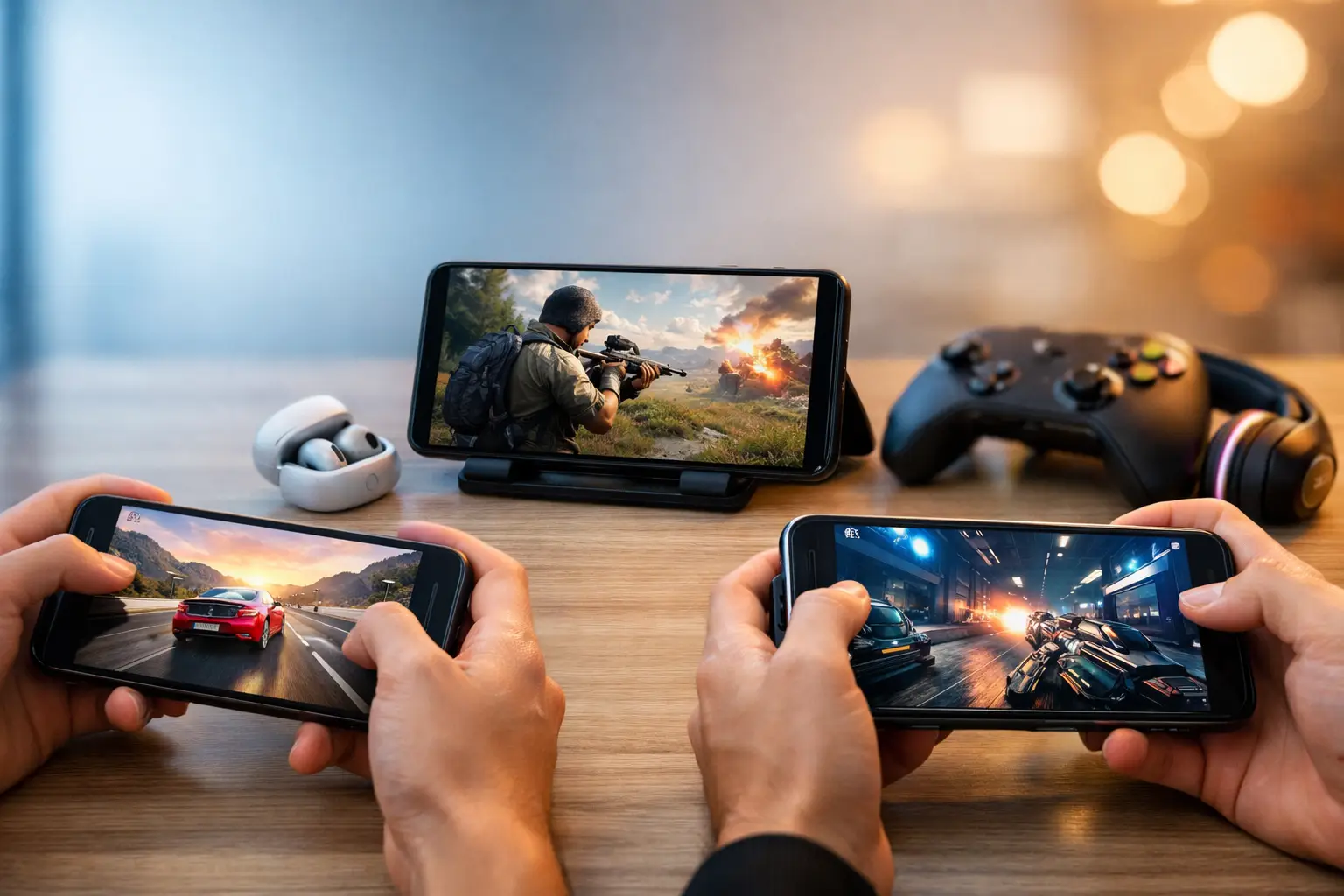
A phone can post an impressive benchmark score and still be frustrating to game on after 30 minutes. Heat reduces sustained performance, a dim display makes outdoor play difficult, and poor touch response can ruin a close match. The best phones for mobile gaming combine powerful chips with cooling, display quality, battery endurance, and software that stays out of the way.
For most buyers, a flagship phone is already capable of running demanding games such as Genshin Impact, Call of Duty: Mobile, Fortnite, and Warzone Mobile well. Dedicated gaming phones go further with active cooling, shoulder triggers, and larger batteries, but they also make compromises in cameras, wireless charging, and everyday design. The right choice depends on the games you play and whether gaming is your main reason for upgrading.
What makes a phone good for gaming?
The processor is the starting point, not the whole answer. Android buyers should look for a recent Qualcomm Snapdragon 8-series chip or a comparable flagship MediaTek processor. Apple’s Pro-series iPhones also offer excellent graphics performance and long-term software support. More RAM can help keep games and background apps available, but 12GB is already plenty for most mobile players.
Sustained performance matters more than a short burst of speed. High-end chips generate significant heat under a heavy graphics load. A large vapor chamber, internal graphite layers, or an external fan can prevent frame rates from dropping during longer sessions. This is where purpose-built gaming phones usually beat conventional flagships.
A 120Hz display is a useful baseline. It makes compatible games feel more responsive and improves scrolling outside of games, while 144Hz or 165Hz panels appeal most to competitive players. Brightness, touch sampling, screen size, and aspect ratio matter too. A large OLED screen is great for open-world games, but a smaller phone is easier to hold during fast shooters.
Battery capacity deserves more attention than charging speed. Fast charging is convenient between matches, yet it does not help if the phone drains quickly or becomes uncomfortable while charging and playing. Look for a battery around 5,000mAh or larger on Android, then check real-world reviews for heat and endurance. iPhones use smaller battery figures but can still offer strong gaming time because of efficient hardware and software.
Best phones for mobile gaming: top picks
ASUS ROG Phone 9 Pro – best dedicated gaming phone
The ASUS ROG Phone 9 Pro is built for players who want a phone that behaves more like a handheld console. Its flagship Snapdragon platform, high-refresh-rate AMOLED display, large battery, and advanced cooling design give it the sustained performance needed for demanding games. The AirTrigger shoulder controls are particularly useful in shooters and racing games because they add physical inputs without requiring a separate controller.
ROG’s gaming software is another advantage. It lets players manage performance modes, monitor temperatures, map controls, and reduce interruptions during play. The trade-off is straightforward: it is a large, gamer-focused device that may feel excessive if you mainly use your phone for work, photos, and social apps. Its camera system is capable, but it is not the reason to buy this phone.
RedMagic 10 Pro – best value gaming-first option
The RedMagic 10 Pro delivers many dedicated-gaming features at a price that is often lower than mainstream flagships. Its standout feature is active cooling, using a small internal fan to move heat away during extended play. Combined with a large screen, high refresh rate, shoulder triggers, and a very large battery, it is a strong choice for players who prioritize frame-rate stability over camera performance.
There are compromises. The software experience can feel less polished than Samsung, Google, or Apple, and the camera is more of a practical tool than a flagship feature. Fan noise may also be noticeable in a quiet room. Still, for someone who plays demanding Android titles several times a week, RedMagic offers unusually direct value.
Samsung Galaxy S25 Ultra – best all-around Android flagship
The Samsung Galaxy S25 Ultra is the sensible choice for buyers who want a premium phone first and a very capable gaming device second. Its large, bright display, top-tier processor, refined software, and strong long-term update policy make it easy to recommend beyond gaming. Samsung’s Game Booster tools can help prioritize performance, reduce distractions, and monitor battery behavior during sessions.
It does not include built-in triggers or a cooling fan, so it is less specialized than the ROG Phone or RedMagic. Under long, high-settings gaming sessions, a dedicated gaming phone may hold peak performance better. In return, the Galaxy delivers a better camera system, S Pen support, broad carrier availability, and a more conventional premium design.
iPhone 16 Pro Max – best iPhone for demanding games
For players invested in iOS, the iPhone 16 Pro Max is the strongest option. Apple’s A-series chips provide excellent graphics performance, and the large display, strong speakers, and efficient power management make it well suited to lengthy sessions. Many major mobile games are optimized carefully for iPhone hardware, and Apple’s ecosystem remains a practical advantage for people who already use a Mac, iPad, Apple Watch, or AirPods.
The main limitation is physical control flexibility. You can pair a Bluetooth controller or use a controller grip, but iPhones do not have integrated shoulder triggers. The 60Hz display also matters to competitive players who value the feel of 120Hz Android panels. For console-style games, however, the iPhone’s performance and controller support remain compelling.
OnePlus 13 – best balanced performance and charging
The OnePlus 13 is a strong fit for buyers who want flagship gaming speed without the visual style or bulk of a gaming phone. Its Snapdragon flagship chip, responsive AMOLED display, substantial battery, and very fast wired charging cover the features most players need. OxygenOS also includes useful gaming tools without overwhelming the regular interface.
This is a balanced recommendation rather than a specialist one. You do not get the ROG Phone’s triggers or RedMagic’s active fan, but you gain a more versatile camera package and an easier phone to use every day. It is especially appealing for players who want a large-screen Android phone that can move from gaming to work and media consumption without feeling niche.
OnePlus 13R – best lower-cost performance pick
The OnePlus 13R is worth considering when the latest flagship chip would stretch the budget. Its high-end processor from the previous generation remains more than capable for popular games, and its large battery and fast charging are practical strengths. A 120Hz display helps it feel responsive in supported titles, while the price leaves room for useful accessories such as a controller grip or cooling fan.
Expect some limits compared with the phones above. Camera hardware, water resistance, and peak graphics settings may not match full flagships, and the device may warm up sooner in the most demanding games. Those are reasonable trade-offs when value matters more than owning the fastest available hardware.
Choose features based on the games you play
Competitive shooters benefit most from low-latency touch input, stable high frame rates, shoulder triggers, and a comfortable shape. The ROG Phone 9 Pro and RedMagic 10 Pro make the most sense here. For large open-world games, prioritize a bright OLED display, a strong chip, and cooling that can handle long sessions. A Samsung Galaxy S25 Ultra, OnePlus 13, or dedicated gaming phone can all work well depending on your budget.
If you mostly play casual titles, cloud games, strategy games, or controller-supported releases, there is little need to pay extra for a gaming-specific device. A recent iPhone, Samsung Galaxy, or OnePlus flagship will provide a polished experience and better everyday features. Spend the savings on a controller or a comfortable case instead.
Storage is an easy detail to overlook. Modern games can occupy tens of gigabytes once their resources and updates are installed. Choose at least 256GB if you keep several large games locally, especially on phones without microSD expansion. Also consider your network: a strong Wi-Fi connection often improves online gaming more than a small jump in processor speed.
Accessories and settings that improve play
A good controller grip can make a bigger difference than upgrading from one flagship phone to another. It provides real analog sticks and buttons for supported games, reduces hand strain, and can make cloud gaming feel closer to a handheld console. A clip-on cooler is useful for long Android sessions, particularly in warm rooms or while traveling.
Before judging any phone, update the game and operating system, enable the highest frame-rate option supported by the title, and test it for at least 20 to 30 minutes. If heat becomes an issue, lower shadows or resolution before lowering frame rate. Consistent motion is usually more valuable than graphics settings that look impressive for the first few minutes.
The best purchase is the phone that supports the way you actually play, not simply the one with the most aggressive specifications. Pick a model you will enjoy holding, can afford with enough storage, and will still want to use when the game session ends.
