

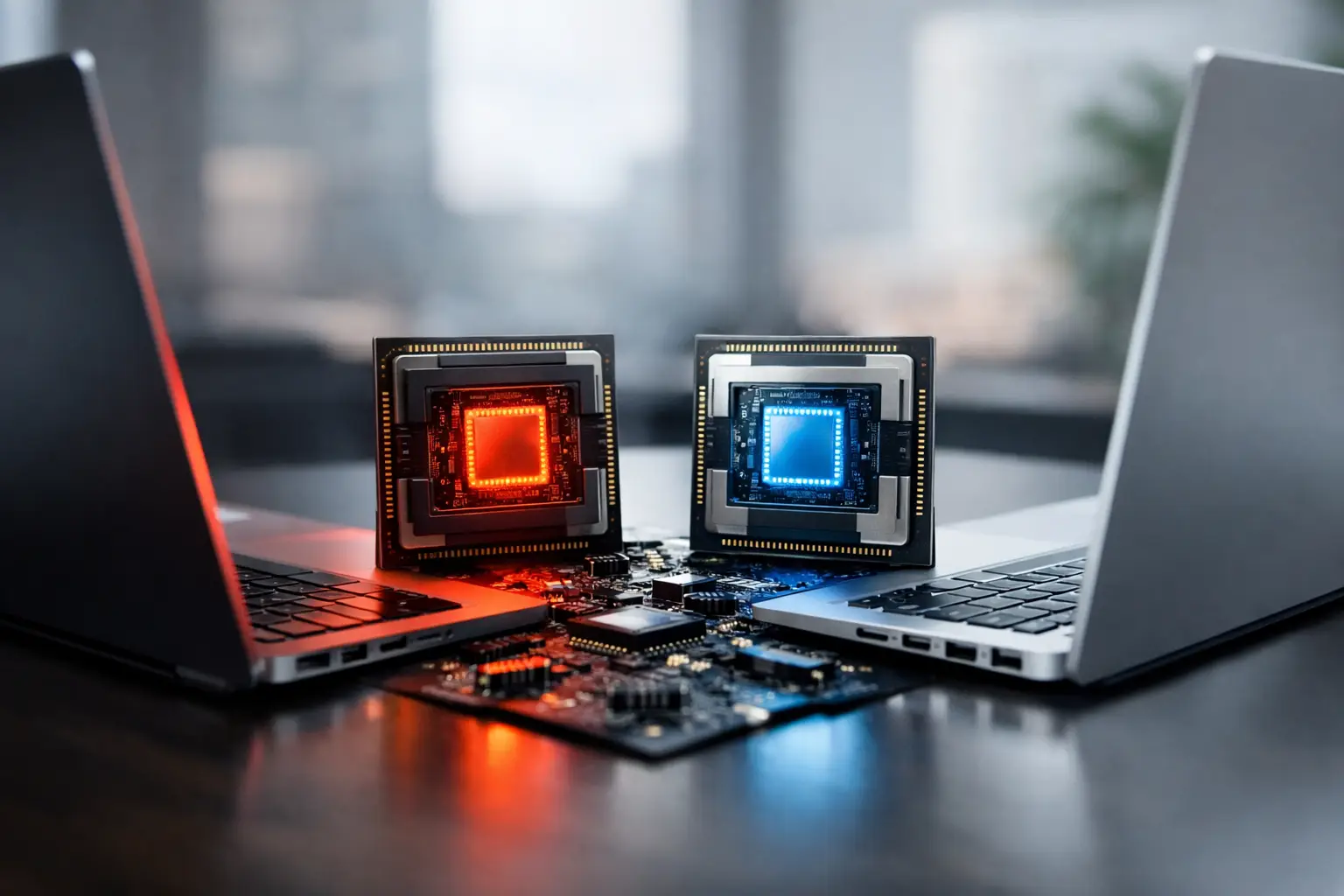
A laptop processor can look impressive on a product page and still feel underwhelming in daily use. That is because cooling, memory, battery size, screen resolution, and the laptop maker’s power settings all affect performance. When comparing amd vs intel laptop processors, the useful question is not which company wins overall. It is which complete laptop gives you the best results for the work, games, and apps you actually use.
Both AMD and Intel make excellent mobile processors across budget, mainstream, and premium laptops. Their newer product lines also put more attention on AI-related tasks, efficiency, and integrated graphics. The differences matter, but they are rarely as simple as one brand being faster in every situation.
AMD vs Intel Laptop Processors: The Main Differences
AMD’s current laptop chips, including Ryzen and Ryzen AI families, are often strong choices for buyers who want a balance of multi-core performance, integrated graphics, and battery efficiency. In many thin-and-light systems, AMD models can offer very capable everyday performance without requiring a dedicated graphics card.
Intel’s Core, Core Ultra, and related mobile chips are widely available across a larger range of laptop designs. Intel systems are common in business laptops, premium ultrabooks, and performance-focused machines. Depending on the generation and laptop configuration, Intel can deliver excellent single-core responsiveness, strong media capabilities, and broad support for features such as Thunderbolt.
The most meaningful differences usually come down to four areas: the processor’s performance class, graphics setup, battery behavior, and the features provided by the laptop manufacturer. A high-power Intel processor in a well-cooled 16-inch laptop is not a fair comparison with an efficient AMD chip in a 13-inch ultraportable. Compare machines built for the same purpose and price range.
Product names can be confusing
Processor names alone do not tell the full story. AMD and Intel both use naming systems that include family names, model numbers, and suffixes. Those suffixes often indicate whether a chip is designed for thinner laptops, higher sustained power, or gaming-class performance.
For example, an entry-level or low-power chip may handle web browsing, schoolwork, video calls, and office applications well, while a higher-performance model is better suited to compiling code, editing video, or playing demanding games. Before treating any model number as an automatic upgrade, check its generation, core configuration, graphics hardware, and the laptop’s cooling design.
Everyday Work and Battery Life
For email, web apps, streaming, documents, and light photo editing, both AMD and Intel laptops are more than capable. At this level, buying decisions should focus less on peak benchmark scores and more on the overall system: 16GB of memory, a comfortable keyboard, a quality display, and a battery large enough for your routine can make a bigger difference than a small CPU lead.
AMD is often a compelling option for students, remote workers, and general home users because many Ryzen laptops combine good efficiency with strong multi-tasking performance. Intel laptops remain equally practical, especially when a particular design offers better build quality, ports, display options, or pricing.
Battery life deserves careful interpretation. A processor affects power use, but the display can have an even larger impact. A bright OLED panel, a high-refresh-rate screen, or a 4K display can reduce runtime regardless of whether the laptop uses AMD or Intel. Manufacturer battery claims are helpful for a rough comparison, but independent testing of the exact model is more reliable.
Gaming and Integrated Graphics
Gaming performance is where the rest of the laptop configuration matters most. If you are buying a gaming laptop with a dedicated NVIDIA or AMD graphics card, the GPU will usually have a much larger effect on frame rates than the choice between a comparable AMD or Intel processor. The CPU still matters for esports titles, simulation games, and high-frame-rate play, but it is only one part of the system.
For laptops without dedicated graphics, AMD has frequently been a strong option. Radeon integrated graphics in many Ryzen processors can handle lighter games and older titles at sensible settings, making them useful for users who want casual gaming without the cost, noise, and power draw of a separate GPU.
Intel’s newer integrated Arc graphics have also improved considerably in capable Core Ultra systems. They can be a good fit for lighter gaming, creative acceleration, and media work. Results vary widely by processor tier and memory configuration, so do not compare integrated graphics by brand alone.
Memory is especially important here. Integrated graphics use system memory, and dual-channel memory or faster LPDDR5X memory can noticeably improve performance. A laptop with 16GB of well-configured memory is generally a safer starting point than an 8GB model if you plan to game, edit photos, or keep many browser tabs open.
Creative Work, Coding, and Multitasking
For video editing, photo work, software development, and heavier multitasking, look at sustained performance rather than short benchmark bursts. Larger laptops with better cooling can maintain higher speeds during long exports, compiles, and renders. A thinner laptop may use the same processor name but run it at a lower power level to stay quiet and cool.
AMD processors are often attractive for workloads that benefit from multiple CPU cores, such as rendering, code compilation, and running several demanding applications at once. Intel processors can be very competitive in these tasks and may have advantages in specific applications that are optimized for their architecture or media engines.
For video creators, hardware media acceleration can matter as much as raw processor speed. The editing software you use, the codecs you work with, and whether the laptop includes a dedicated GPU all influence the best choice. Someone editing short social videos has different needs from someone regularly exporting 4K projects.
Developers should also consider memory capacity, storage, ports, and operating system support. A fast processor cannot compensate for an 8GB memory limit when you are running a code editor, local server, browser tools, containers, and a video call at the same time.
AI Features Are Useful, but Not the Only Buying Factor
Many newer AMD and Intel laptop processors include an NPU, or neural processing unit. This hardware is designed to run certain AI tasks more efficiently, such as background effects in video calls, transcription, image features, and supported on-device AI tools.
AMD Ryzen AI and Intel Core Ultra platforms both participate in this shift. However, buyers should keep expectations realistic. The availability and quality of AI features depend on the operating system and individual applications, not just the processor. An NPU can improve efficiency for supported tasks, but it does not automatically make every app faster or turn a laptop into a workstation.
If AI features are a priority, choose a recent platform with enough memory. Many local AI workloads benefit from 16GB at minimum, while 32GB is more comfortable for advanced creative work, development, or experimenting with larger models.
Ports, Compatibility, and Laptop Design
Intel has a long association with Thunderbolt, which can matter if you use high-speed external storage, docking stations, or multiple external displays. Many AMD laptops also offer USB4, which can provide similar capabilities, but implementation differs from one model to another. Check the exact port specifications instead of assuming all USB-C ports support charging, video output, and high transfer speeds.
Business buyers may also find more Intel options with specific enterprise management, docking, and support configurations. That does not mean AMD laptops are unsuitable for work. It simply means the available laptop selection, especially from major business-focused manufacturers, can influence the decision.
Laptop design can outweigh processor branding. A well-built AMD laptop with a bright display, 16GB of RAM, and a larger battery may be a better purchase than an Intel laptop with less memory and a dim screen. The reverse is equally true if the Intel model provides the ports, keyboard, support options, or sale price you need.
How to Choose the Right One
Start by setting a budget and identifying your heaviest regular task. For everyday use, prioritize 16GB of memory, solid battery life, and a good display over chasing a premium processor. For casual gaming without a dedicated GPU, compare recent AMD Radeon and Intel Arc integrated graphics results for the exact laptop. For gaming with a dedicated GPU or serious creative work, focus on the graphics card, cooling, screen, and sustained performance as a package.
Avoid paying extra for a processor tier you will not use. At the same time, do not buy a low-memory configuration just because the processor name looks current. A balanced laptop remains useful longer and feels better every day.
The best next step is simple: shortlist two or three laptops with similar prices, then compare their memory, display, battery capacity, ports, cooling, and independent testing. That approach turns a brand debate into a practical decision you can feel confident using long after the purchase.
