

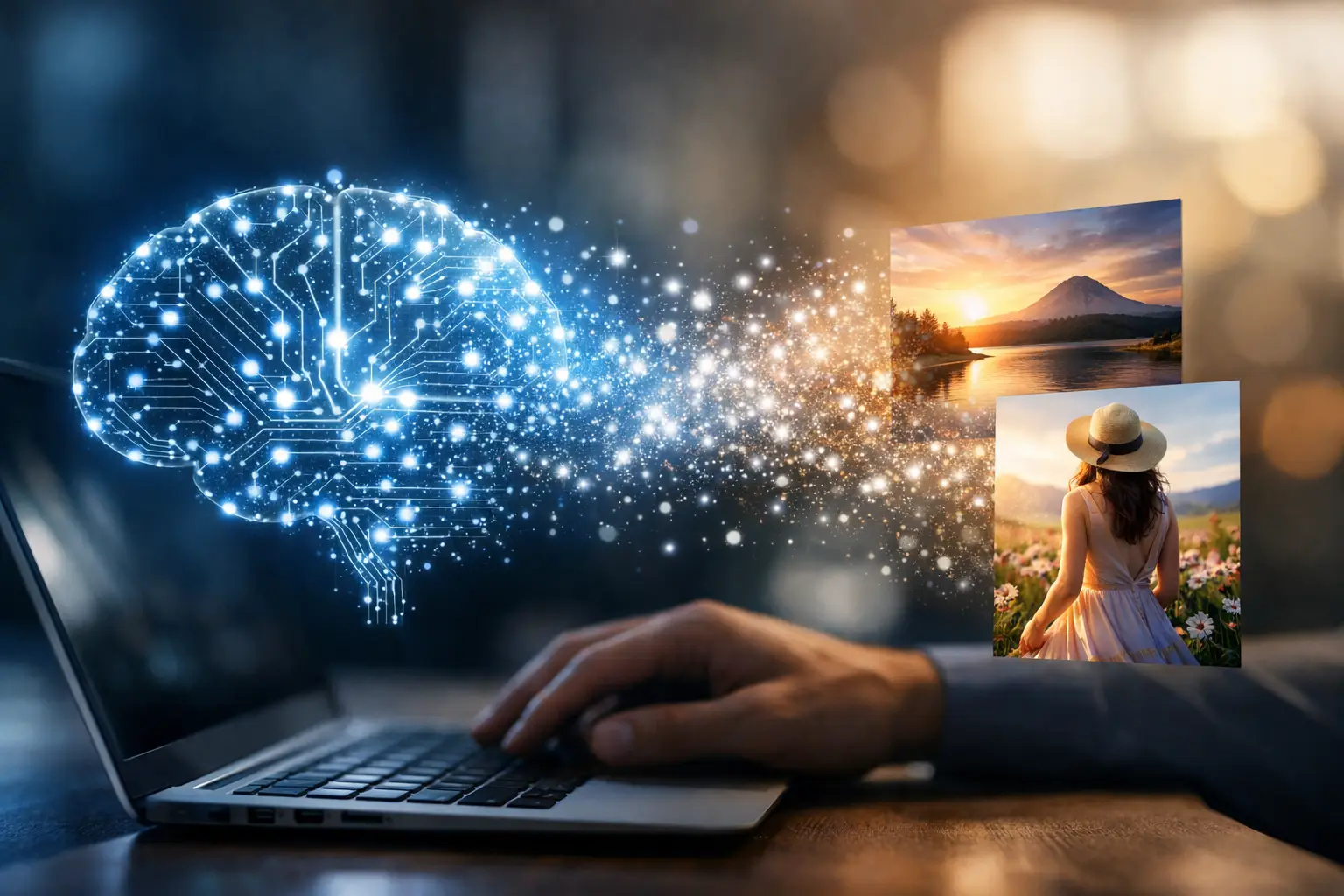
Type “a rainy neon street at night” into an AI image tool, wait a few seconds, and a scene appears that never existed in a camera roll or design file. That speed can make the process feel mysterious, but how AI image generators work is based on a set of learnable steps: models study patterns in enormous image-and-text datasets, interpret your prompt, and gradually turn random visual noise into a new image.
For everyday users, understanding those steps helps with more than satisfying curiosity. It explains why one prompt produces polished artwork while another creates distorted hands, why the same prompt can return different results, and why better instructions usually lead to better images.
How AI image generators work behind the screen
Most modern AI image generators use a technique called a diffusion model. The basic idea starts with noise – a screen of random dots similar to television static. During generation, the model repeatedly removes and reshapes that noise until it resembles an image that matches the written prompt.
This does not mean the system searches the web for a finished picture and pastes pieces together. A well-trained model has learned statistical relationships between visual features and language. It has seen many examples associating words such as “golden retriever,” “watercolor,” “backlit,” or “city skyline” with recurring shapes, colors, lighting, textures, and compositions.
When you enter a prompt, a separate language component converts the text into numerical representations. These numbers capture relationships between terms. For example, the model can recognize that “red bicycle” describes a different subject from “red bicycle helmet,” and that “at sunset” affects lighting more than the object itself.
The diffusion model uses that text guidance while it refines noise through a series of small steps. Early steps establish broad elements, such as the general layout and palette. Later steps add smaller details, including fabric texture, reflections, facial features, and edges. The final output is decoded into the image you see.
Training teaches patterns, not perfect understanding
Before a model can generate anything, it must be trained. Developers feed it a large collection of images paired with captions, descriptions, or other text labels. In simplified terms, training teaches the system to predict what noise was added to an image. Once it learns that task across many examples, it can perform the reverse operation: begin with noise and reconstruct an image guided by words.
Many systems work in a compressed mathematical space called latent space rather than directly editing every pixel from the start. Think of it as a compact map of visual concepts. Working there reduces the computing power required and makes generation faster, while a decoder later converts the compressed representation into a full image.
Training is expensive. It can require large GPU clusters, substantial electricity, curated datasets, and repeated testing. Generating one image, often called inference, is much less demanding but can still benefit from a powerful cloud server or a capable local graphics card.
Why the same prompt can create different images
Image generation includes controlled randomness. A value often called a seed determines the initial pattern of noise. Change the seed, and the model begins from a different starting point, producing a different interpretation of the same instructions.
That variability is useful when exploring concepts. A prompt for a modern home office might produce one version with a wide window, another with a standing desk, and another with warmer lighting. If you find an output you like, saving its seed can make it easier to reproduce or refine the composition later, provided the same model and settings are used.
Settings also influence the result. Image dimensions affect the available canvas and may change how well a model handles a subject. The number of denoising steps can affect detail and generation time, although more steps do not always mean a better image. Guidance settings determine how strongly the model follows the prompt. Too little guidance can make the image drift from the request; too much can create harsh, oversaturated, or unnatural results.
Prompts guide the result, but they are not commands
A useful prompt gives the model clear priorities. Start with the main subject, then add the setting, visual style, lighting, composition, and important details. For example, “Product photo of a matte black wireless speaker on a light wood desk, soft window light, clean background, front three-quarter angle” gives the model more direction than “cool speaker.”
Specificity helps, but excessive detail can introduce conflicts. Asking for a “minimalist room packed with dozens of colorful objects” sends mixed signals. The model may choose one instruction over another, blend them awkwardly, or ignore part of the request.
Many tools also support negative prompts, which describe features to avoid, such as text, blur, extra fingers, or cluttered backgrounds. They can improve consistency, but they are not guarantees. A negative prompt works as a preference, not a hard rule.
For practical work, generate several variations before deciding that a prompt failed. Then adjust one variable at a time. Change the camera angle, simplify the style, or clarify the number of people. This approach makes it easier to see which instruction improved the output.
Where AI image generators still struggle
These systems are skilled at creating convincing images, but they do not reason about the physical world in the way people do. They predict likely visual patterns. That distinction explains several common weaknesses.
Hands, teeth, jewelry, small printed labels, and complex tools can be difficult because they demand precise relationships between many tiny details. Images with multiple people may contain inconsistent limbs or duplicated objects. Models can also struggle with accurate maps, diagrams, charts, and readable text, particularly when the words must be exact.
Factual accuracy is another limitation. An image of a historical event, medical device, or product feature can look credible while containing incorrect details. For that reason, generated visuals should not be treated as evidence, technical documentation, or a replacement for verified photography when accuracy matters.
Bias is also a real concern. Training data reflects patterns and stereotypes found in the material used to build the model. Prompts involving professions, cultures, beauty, or social groups may produce narrow or uneven representations. Review outputs carefully and use more intentional wording when representation matters.
Copyright, privacy, and responsible use
AI image generation raises questions that cannot be solved by a prompt alone. Different tools have different terms for commercial use, ownership, training data, and generated outputs. Before using an image in a business campaign, product listing, client project, or monetized website, check the specific platform’s current license and policies.
Avoid uploading private photos, confidential product designs, customer information, or unreleased documents unless you understand how the service stores and uses submitted content. Cloud-based tools may retain prompts and uploads for moderation, improvement, or account features depending on their settings and terms.
It is also wise to avoid presenting AI-generated people, events, or products as authentic photographs. Clear labeling can protect audience trust, especially for news-style content, reviews, educational material, and advertising. Using an artist’s name to imitate their recognizable style may also create ethical and legal concerns, even when a tool technically accepts the prompt.
Choosing the right tool and workflow
The best generator depends on what you need. Web-based tools are convenient for beginners because they handle the hardware and offer simple controls. Local tools can offer greater privacy, customization, and control over models, but they typically require more setup and a suitable GPU.
For quick social graphics or concept art, speed and editing tools may matter most. For product mockups, brand work, or web assets, look for controls that support consistent characters, image editing, background replacement, aspect ratios, and high-resolution output. No generator is equally strong at every task.
Treat the first result as a draft rather than a finished asset. Review it at full size, correct obvious defects in an image editor, and check whether it communicates the intended message. This is where human judgment remains essential: the generator can create options quickly, but it cannot reliably decide what is accurate, on-brand, accessible, or appropriate for your audience.
The most productive way to use these tools is as a visual assistant. Give them clear direction, test variations, verify important details, and bring your own creative standards to the final selection. That approach turns a surprising technology into a practical skill you can use with confidence.
